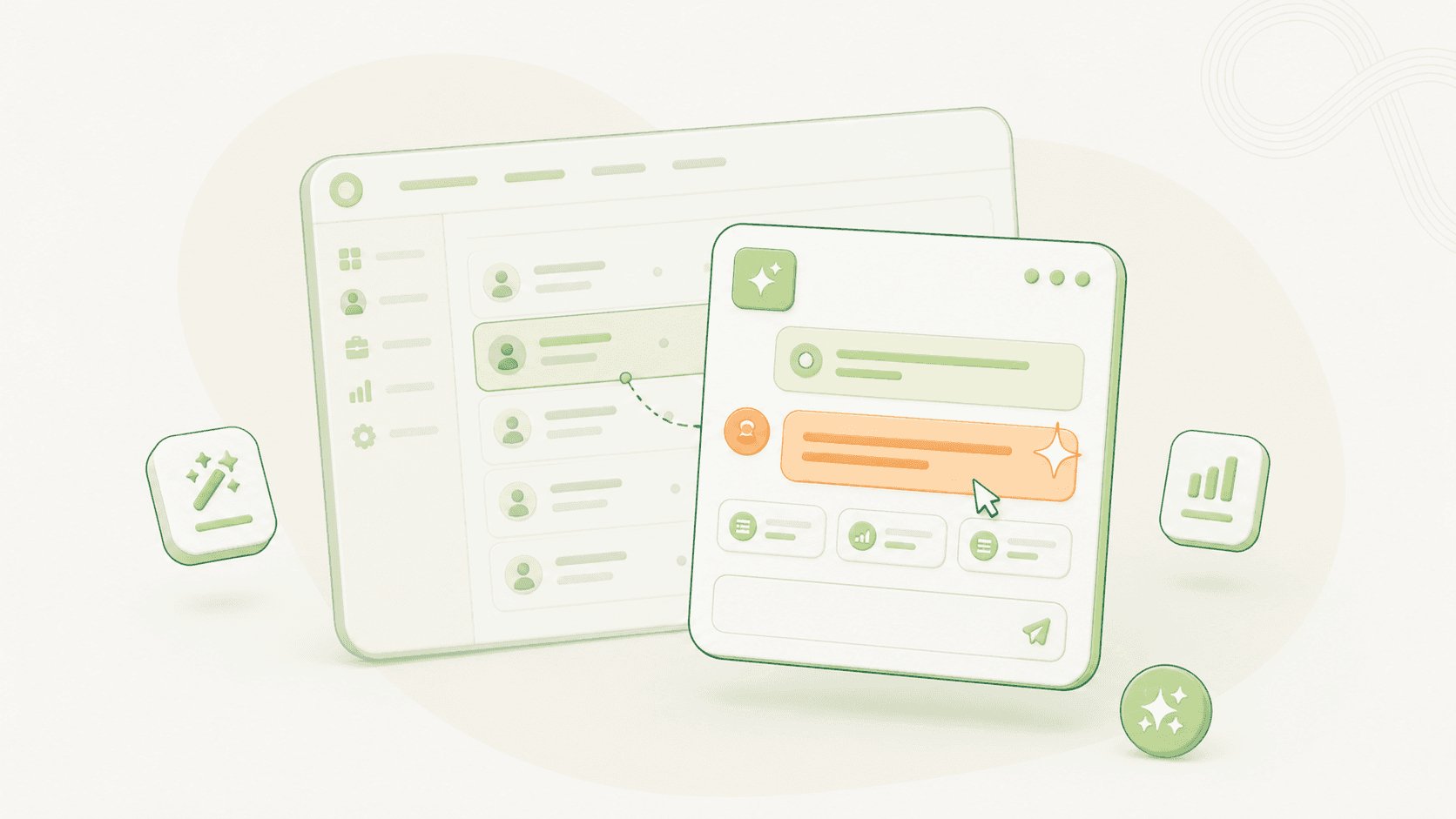
What the Assistant is
The Talinty Assistant is a small button anchored to the bottom right of every screen in Talinty. Clicking it opens a chat panel that stays open while you keep working. You can ask it anything in plain language. It answers from the context of whatever you are looking at.
It is not a separate tool with its own knowledge base. It is the same intelligence layer that scores candidates and writes vetting briefs, exposed as a conversation. If you have ever wished you could ask a question of a screen rather than searching for a feature, the Assistant is that.
The one thing that makes it different: tab awareness
The Assistant reads the tab you are in, not the whole product.
If you are looking at a tab with your senior shortlist, asking "who stands out?" gives you an answer about those candidates. If you switch to a tab with your junior pool and ask the same question, you get a different answer about a different group.
This is a deliberate design choice. The AI's job is to be helpful in the frame you are working in, not to volunteer information from across the workspace. If you want a cross-tab answer, ask for one explicitly ("compare my senior shortlist to the junior pool").
What people actually ask it
The most useful Assistant queries in the first month of using Talinty tend to follow patterns. A non-exhaustive list, drawn from how teams actually work:
Shortlist queries. "Who are the top five for this role?" "Which candidates have managed teams larger than ten?" "Show me the candidates with the highest skill match in the under-35-resume-score group."
Comparison queries. "Compare candidate A and candidate B." "Which of these three has the strongest cloud experience?"
Drafting queries. "Draft a rejection email for this candidate, warm but final." "Write three behavioral interview questions on the Things to Consider for this profile." "Summarize this candidate in two sentences for the hiring manager."
Navigation queries. "Where do I set up an assessment for this stage?" "How do I close this role?" The Assistant will answer with a link directly into the relevant settings page.
Sanity-check queries. "Why did this candidate score so high on Skill Match?" "What's missing from this candidate's profile that would change the recommendation?"
The pattern across all of these: ask for the thing you want, not the feature that would produce it. The Assistant is good at translating intent into action.
What it deliberately does not do
The Assistant has the same boundaries as the rest of the AI, and a few extras specific to chat.
It does not act on consequential decisions without you. It will not move a candidate, send an email, reject anyone, or change a job's settings on its own. It will draft, propose, and offer to do these things, but the final click is always yours.
It does not pretend to know things it does not. If a question requires data the Assistant cannot see (for example, a candidate's reference check results, which Talinty does not store), it will say so rather than guess.
It does not retain personal context between sessions in ways you cannot inspect. The Assistant has access to the workspace data and the tab you are in. It does not build a hidden profile of you over time.
When the Assistant is faster than the UI
A useful heuristic: if a task would take more than three clicks or two filter dropdowns in the normal UI, the Assistant is usually faster. A few examples:
Boolean searches with three or more conditions. "Candidates in Riyadh with five-plus years and a finance background, excluding anyone who has been rejected from a previous role this year."
Cross-candidate summaries. Anything that would require opening five profiles, the Assistant will collapse into one paragraph.
First drafts of recruiter communication. Replying to a candidate's question, drafting a follow-up after silence, writing a personalized rejection. Drafts are usually better than starting from scratch, and you keep editing privileges.
When the task is faster in the UI (clicking a single button, changing one filter), use the UI. The Assistant is a power tool, not a replacement for the rest of the product.
CONTINUE READING
Related articles
More ways to understand the product, the workflow, and the decisions behind Talinty.

| 3 Min Read
Creating your Talinty account
Sign up, verify your email, and set up your Talinty account in about five minutes.
Read article ->
| 3 Min Read
The onboarding wizard
A short setup flow that asks for the basics Talinty needs before you start hiring.
Read article ->

| 4 Min Read
Tour the Talinty dashboard
A walkthrough of the screen you'll spend most of your Talinty time in, and what each part is for.
Read article ->

| 4 Min Read
Navigate tabs and workspaces
Tabs let you look at the same role from different angles.
Read article ->

| 4 Min Read
Invite your first teammate
How to add someone to your Talinty workspace, what they'll see, and which role to give them.
Read article ->

| 4 Min Read
Anatomy of a candidate profile
Where everything about a candidate lives, and how to navigate the profile without getting lost.
Read article ->

| 4 Min Read
Review candidate AI insights
How to read the AI's view of a candidate, what each piece of it means, and when to trust it.
Read article ->
| 5 Min Read
Track candidate status and history
Where every action on a candidate is recorded, and how to read the trail.
Read article ->

| 3 Min Read
Add notes to a candidate profile
Where your team's judgment lives in the profile, alongside everything the AI sees.
Read article ->

| 4 Min Read
Move a candidate to another stage
How to move a candidate from one stage to another in simple terms.
Read article ->

| 4 Min Read
Disqualify or reject a candidate
How to end a candidate's journey in a way that's honest, recorded, and reversible if you need it to be.
Read article ->

| 3 Min Read
Invite and manage teammates
Add teammates to Talinty so they can collaborate on jobs, candidates, feedback, and hiring decisions.
Read article ->


Ready to hire with clarity instead of guessing?
Fifteen minutes. No commitment. A real walkthrough of Talinty in your context.
